


Ford Fiesta Club
Subforums
-
Ford How-To Guides Tips, Tricks and share info on how to repair or modify your Ford!
Have something to share then why not add it to our guides section!- 1.7k posts

35,353 topics in this forum
-
-Copy.thumb.JPG.dd9d66e71a25e0268295a93e3d7cc6d2.JPG)
- 2 replies
- 9k views
dansallis -
- 0 replies
- 609 views
owain.hunt -

- 5 replies
- 1.3k views
eilidhchambe -

- 3 replies
- 24.7k views
 TDR|XTC
 -

- 1 reply
- 901 views
 cjay1
cjay1 -

- 4 replies
- 1.7k views
 Russ
Russ -

- 4 replies
- 1.8k views
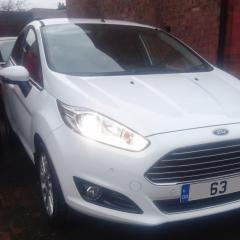 M6 44t car park attendant
 -

- 2 replies
- 628 views
Ian F2 -

- 3 replies
- 1.2k views
 Luke4efc
 -

- 2 replies
- 999 views
 Titanium
 -

- 9 replies
- 54.8k views
 rzoleee
 -

- 3 replies
- 2k views
 HLENNIE
 -

- 2 replies
- 7.4k views
BJT -

- 6 replies
- 1.7k views
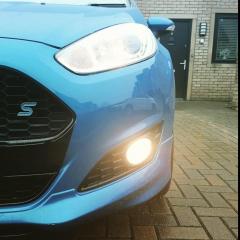 supraking
 -

- 1 reply
- 875 views
 Zico
Zico -

- 4 replies
- 2.9k views
HLENNIE -
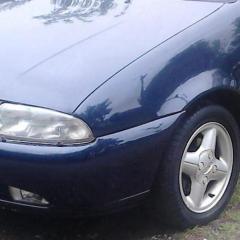
- 0 replies
- 744 views
Andy52 -
- 2 replies
- 2.2k views
HLENNIE -
- 19 replies
- 8.1k views
HLENNIE -

- 0 replies
- 778 views
jsk -
- 6 replies
- 4.4k views
 zain611
 -

- 1 reply
- 993 views
 isetta
 -
- 16 replies
- 30.3k views
 Jonro2009
 -

- 50 replies
- 8.9k views
cjay1 -

- 11 replies
- 5.8k views
 MarksST
 -

- 1 reply
- 852 views
Luke4efc -

- 1 reply
- 1.5k views
martin2345uk -

- 11 replies
- 1.9k views
isetta -

- 2 replies
- 9k views
dansallis -
- 1 reply
- 1.1k views
 stef123
-Copy.thumb.JPG.dd9d66e71a25e0268295a93e3d7cc6d2.JPG)


