


Ford Fiesta Club
Subforums
-
Ford How-To Guides Tips, Tricks and share info on how to repair or modify your Ford!
Have something to share then why not add it to our guides section!- 1.7k posts

35,354 topics in this forum
-
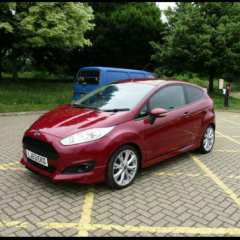
- 0 replies
- 1.1k views
Hovis -

- 4 replies
- 1.7k views
 ChrisB77
 -
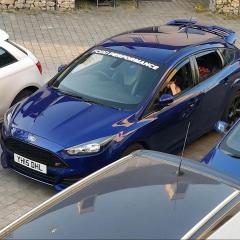
- 4 replies
- 3.8k views
AndiDote -
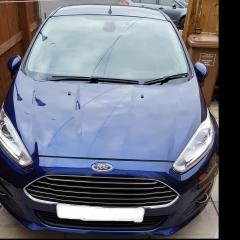
- 0 replies
- 1.8k views
fiesta1881 -

- 5 replies
- 1.1k views
WillKinsella -
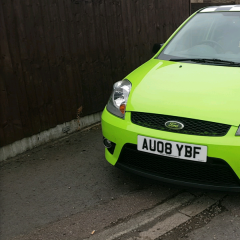
- 3 replies
- 2.4k views
 DieselPig
 -
- 0 replies
- 827 views
emmison96 -

- 4 replies
- 1.6k views
 lukespoor
 -

- 11 replies
- 3.7k views
 crazylegs
 -

- 3 replies
- 7.3k views
danlat1415 -

- 4 replies
- 1k views
WAC -

- 0 replies
- 777 views
WILLDYKE -

- 4 replies
- 3.4k views
 m1tch
m1tch -

- 1 reply
- 749 views
 cjay1
cjay1 -

- 35 replies
- 10.4k views
Patrico777 -
- 39 replies
- 96.7k views
 gcrespiritu
 -
- 0 replies
- 1k views
Patrico777 -

- 1 reply
- 766 views
dannyRJ13 -

- 25 replies
- 2.3k views
mikeyd1 -
- 2 replies
- 5.1k views
cjay1 -

- 17 replies
- 14.8k views
 DAVAMAC
 -
- 7 replies
- 26.2k views
 TomsFocus
 -

- 15 replies
- 8.4k views
 winemart2
 -
- 20 replies
- 11.5k views
 M4RC
M4RC -

- 3 replies
- 1.4k views
Copenhagen -
- 13 replies
- 1.6k views
 Ffoxy
Ffoxy -

- 1 reply
- 761 views
 Joss max
 -

- 37 replies
- 8.4k views
 JoeZS19
 -

- 6 replies
- 2.4k views
pricie1991 -
- 2 replies
- 7.4k views
Patrico777


