


Ford Fiesta Club
Subforums
-
Ford How-To Guides Tips, Tricks and share info on how to repair or modify your Ford!
Have something to share then why not add it to our guides section!- 1.7k posts

35,354 topics in this forum
-

- 13 replies
- 14.6k views
EGYorkie -

- 2 replies
- 581 views
Mitchell Rogers -
- 7 replies
- 3.8k views
Cormill1990 -

- 0 replies
- 597 views
Patrico777 -

- 1 reply
- 592 views
 Russ
Russ -

- 2 replies
- 910 views
Highway_Chile -
- 5 replies
- 11k views
Patrico777 -

- 4 replies
- 2.6k views
 alexp999
 -

- 0 replies
- 3.1k views
DJJoshua -

- 8 replies
- 6.5k views
 Ian Lanc
 -
- 3 replies
- 912 views
 ScaniaPBman
 -

- 3 replies
- 670 views
 Stoney871
 -
- 1 reply
- 1.1k views
 BrynC1994
 -
- 0 replies
- 527 views
Maxxxykins -

- 18 replies
- 3.7k views
 cjay1
cjay1 -

- 10 replies
- 2.2k views
 666Damian666
 -

- 0 replies
- 726 views
mlatto2401 -

- 3 replies
- 1k views
Russ -
- 0 replies
- 693 views
Patrico777 -
- 8 replies
- 1.2k views
kabulu -

- 5 replies
- 1.8k views
10dawson -

- 1 reply
- 996 views
10dawson -

- 7 replies
- 1.8k views
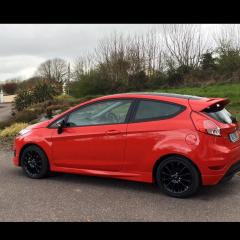 opr
opr -
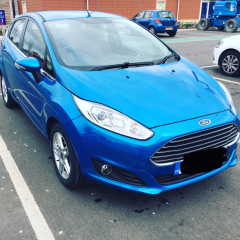
- 1 reply
- 3.9k views
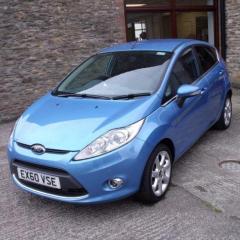 wri9hty
 -

- 2 replies
- 2.2k views
AllconnedMod -
- 6 replies
- 25.6k views
 Philf1
 -
- 0 replies
- 508 views
AllconnedMod -

- 0 replies
- 1k views
jony_dols -

- 5 replies
- 875 views
Mitchell Rogers -
- 11 replies
- 4.8k views
666Damian666


